Know which miles card still earns.

Milely tracks the bonus cap, minimum spend and statement cycle on each Singapore credit card you hold, so you can see what is left before you pay.

Coming to iPhone. Currently supports 51 cards from 12 issuers.

50+ cards and growing.

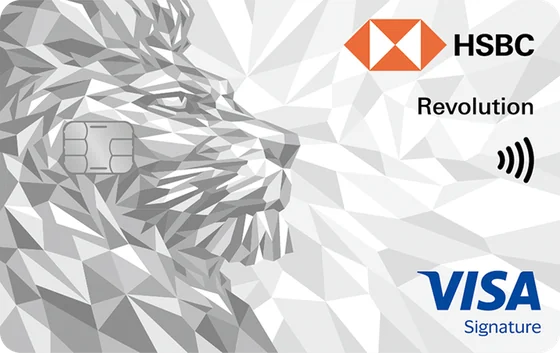
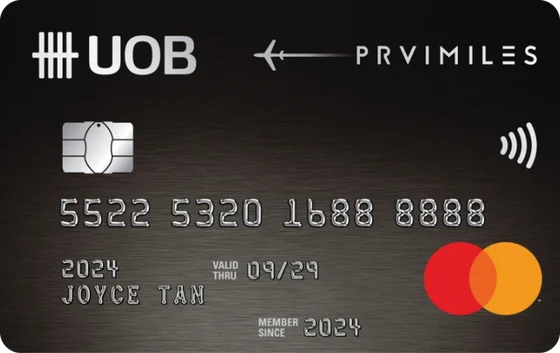
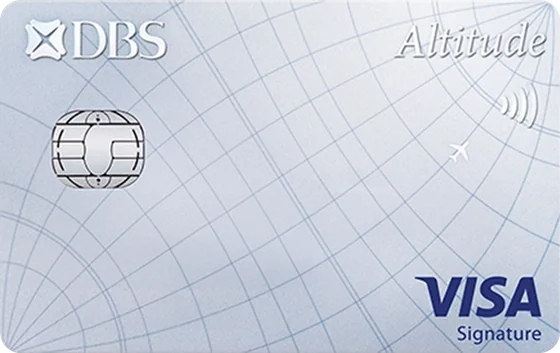
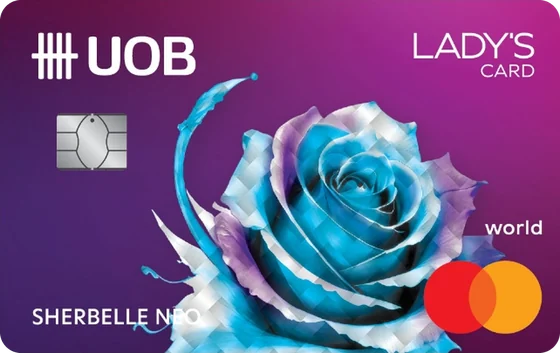
Currently supports 51 cards across 12 issuers, from DBS and UOB to Chocolate Finance.

Select a card to explore its rules

View our card library

Illustration with sample numbers. Real app recordings will replace it.

Watch a bonus cap fill up.

An illustration with sample numbers. Real app recordings will replace it.

Each spend lands on its card.

Log a purchase by hand, scan the receipt, or let Auto Log record Apple Pay for you. Milely counts it toward that card's cap, in that card's own cycle.

A heads-up at 80%.

When a card is close to its bonus cap, Milely tells you. The alert on your lock screen never names the card or the amount.

Full means move on.

Once the cap is reached, the rest of the cycle earns the base rate. Milely shows it, so the next spend can go on a card that still earns.

Pay with Apple Pay. It logs itself.

Set up one Shortcuts automation on your iPhone. After that, each Apple Pay purchase arrives in Milely with its merchant and amount, linked to the card you paid with. If Milely cannot tell which card it was, it asks you once.

The rest of the kit.

  • Receipt scan

    Point your camera at a receipt. The text is read on your iPhone, not on a server.

  • Household wallets

    Invite family to a shared wallet and keep track of the cards you share. Spends marked private stay private.

  • Import and export

    Bring in up to 2,000 past spends from a CSV. Take everything out as CSV or Excel.

  • Foreign currency

    Log a spend in the currency you paid, for cards that treat overseas spend differently.

  • Reimbursements

    Mark the dinner a friend is paying back, so your totals stay honest.

  • Report a rule

    Spotted a rule that looks wrong? Flag it from the app so it can be reviewed against the issuer's terms.

Your bank login stays yours.

No bank connection

Milely never asks for your bank username or password. Spends come from you, your receipts or Apple Pay.

Encrypted on your iPhone

Financial details are encrypted with AES-256-GCM before they are stored. The keys stay in the iOS Keychain, behind Face ID or your passcode.

A quiet lock screen

Alerts say a card needs a look. They never show which card or how much.

How Milely protects your data

Get on the beta list.

Milely is coming to iPhone first. Leave your email to save your place on the beta list.

Card rules

Issuer terms