Everything Milely keeps count of.
Bonus caps, minimum spend, statement cycles and estimated miles, across 50+ Singapore credit cards. Here is what is in the iPhone beta. What comes next is on the roadmap.
Caps and minimum spend, per card.
Every card has its own bonus cap, minimum spend and cycle. Some reset on the calendar month, some on your statement date. Milely follows each card's own rules and shows what is left.
- Remaining bonus cap for the current cycle
- Progress toward minimum spend
- Alerts at 80% of a cap, and when it is full
An estimate of the miles you earned.
Milely applies each card's earn rate, rounding blocks, bonus categories and exclusions, then shows the estimated miles for every spend. The rules come from issuer terms, and each one links to its source.
Estimates are approximate. Your bank's statement is the final word.
Auto Log for Apple Pay.
A Shortcuts automation sends each Apple Pay purchase to Milely with its merchant and amount. Milely links it to the card you paid with, and asks if it cannot tell. How to set it up.
iPhone only. Needs the Shortcuts app.
Receipt scan, on your phone.
Photograph a receipt and Milely reads the merchant, date and total for you to check. Recognition runs on your iPhone, and the receipt is encrypted before it is stored.
Household wallets.
Invite family to a shared wallet, so the cards you share and the spends on them sit in one place. Spends you mark private stay private, even inside a shared wallet.
Your data comes and goes with you.
- Import up to 2,000 past spends from a CSV file
- Export to CSV or Excel at any time
- Log foreign-currency spends in the currency you paid
- Mark reimbursements so shared bills do not inflate your totals
- Report a card rule that looks out of date
Built so your bank login never comes into it.
- No bank connection and no bank password, ever
- AES-256-GCM encryption on your iPhone, with keys in the iOS Keychain behind Face ID or your passcode
- The app locks itself after two minutes idle
- Lock-screen alerts never name the card or the amount
Questions people ask.
Does Milely connect to my bank?
No. Milely never asks for bank credentials. Spends come from what you log, receipts you scan, or Apple Pay through Auto Log.
Are the miles figures exact?
They are estimates built from each issuer's published terms. Banks can round, exclude or post spends differently, so your statement has the final number.
Which cards are supported?
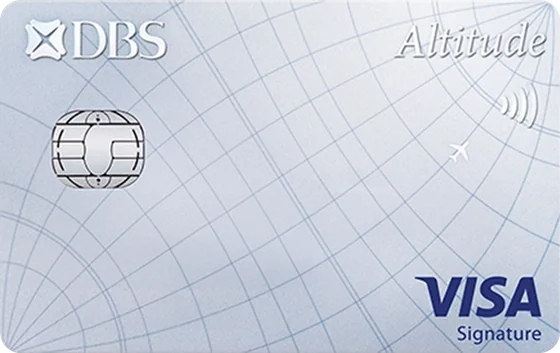
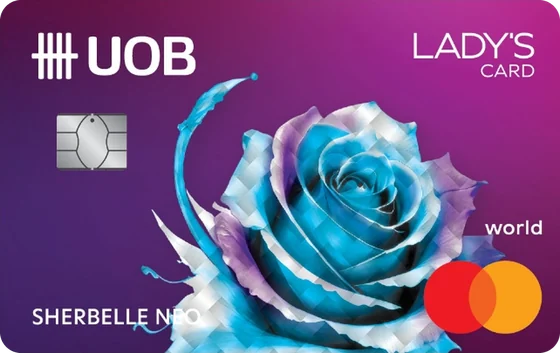
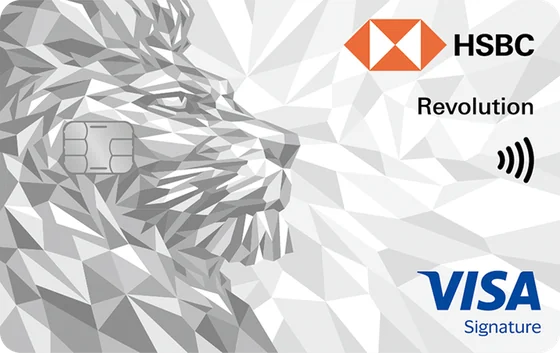
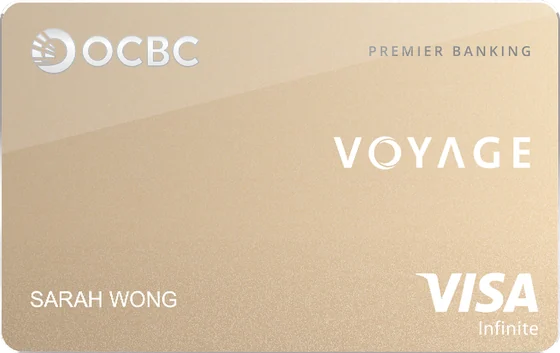
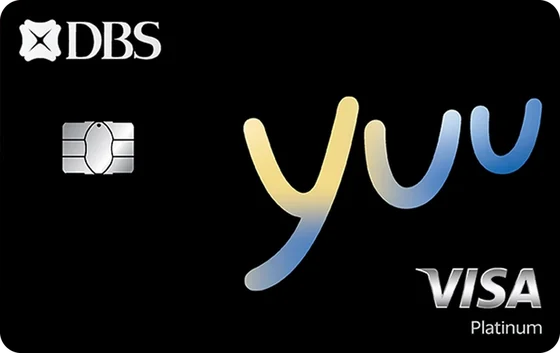
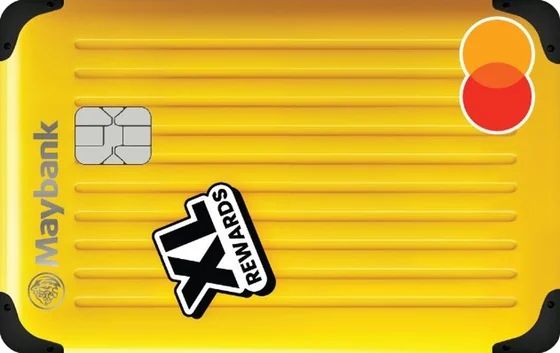
Currently supports 51 Singapore credit cards from 12 issuers, with more being added. See the card library.
Is there an Android version?
Not yet. The beta is iPhone only, and Android is on the roadmap.
How do I get it?
Join the waitlist to save your place for the iPhone beta.
Get on the beta list.
Milely is coming to iPhone first. Leave your email to save your place on the beta list.
By joining you agree to the privacy policy.